MyTrayLinks
A downloadable tool for Windows
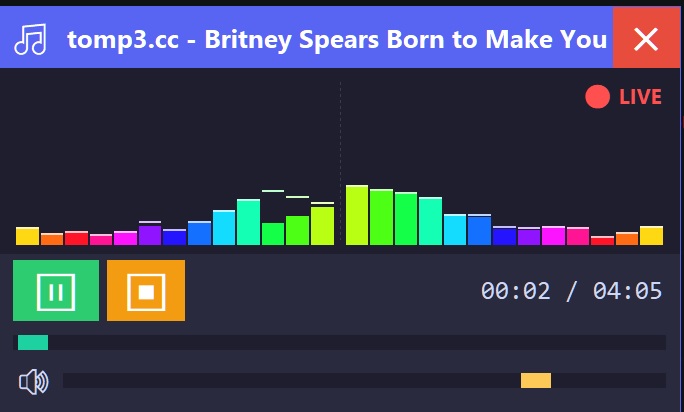
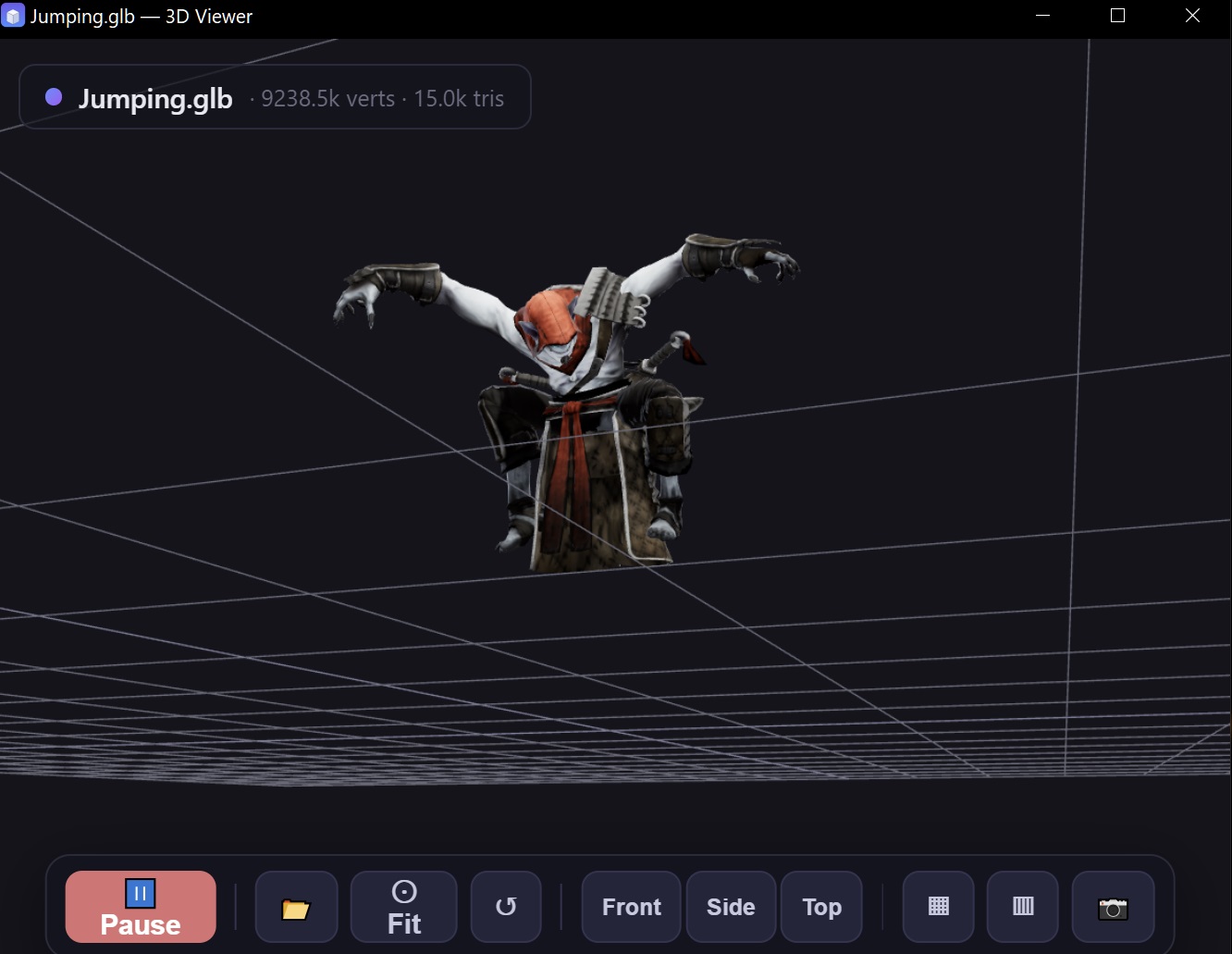
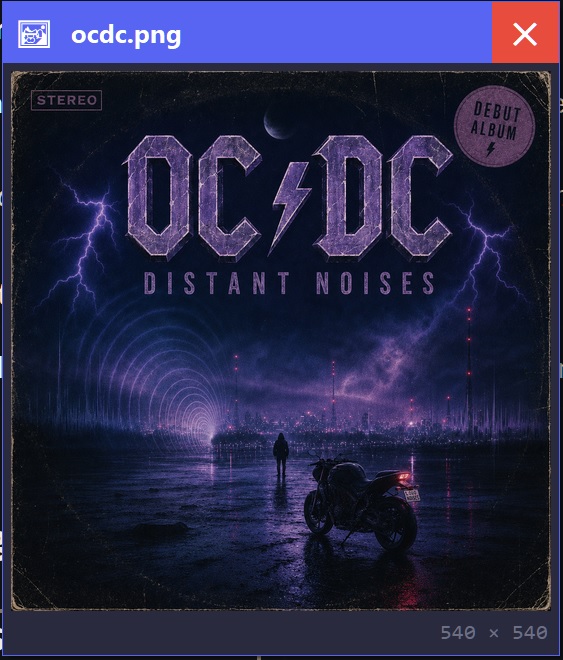
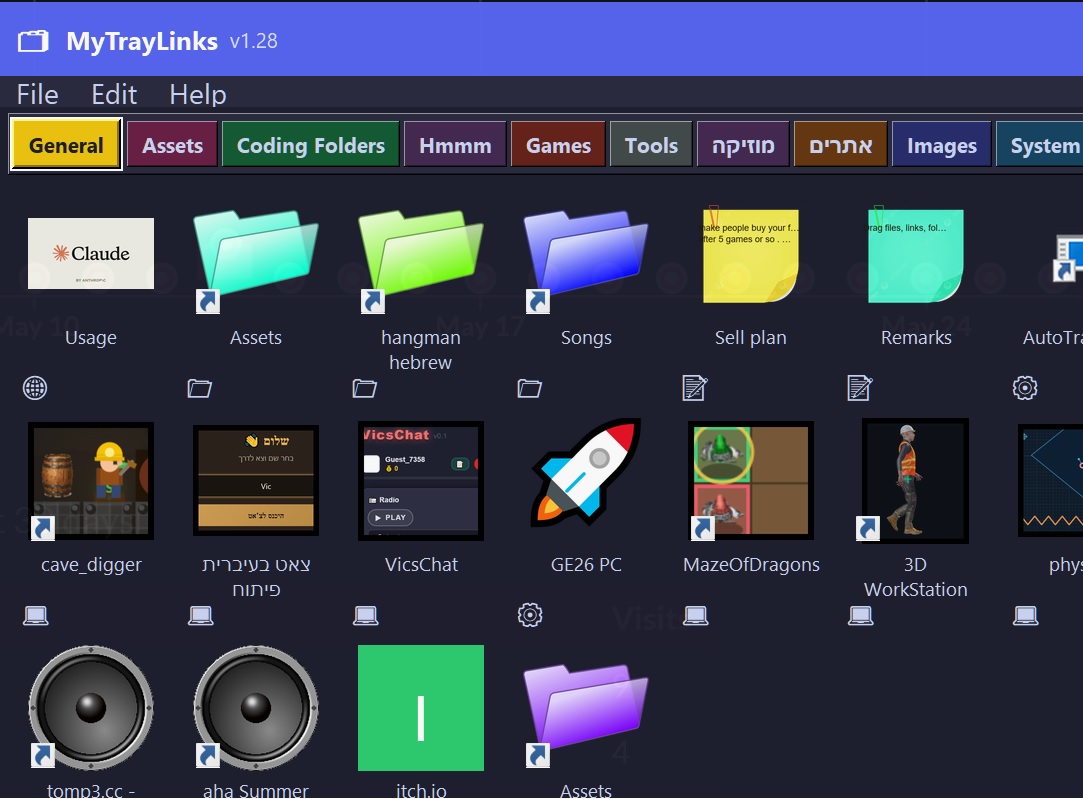
MyTrayLinks is a tiny always-available launcher that lives in your system tray. Click the tray icon and a compact, pinnable panel appears with everything you've added — websites, files, folders, programs, images, audio clips, and handwritten-style sticky notes — laid out as a clean grid of colorful tiles.
What you can do with it
- 🗂️ Drag-and-drop anything in. Files, folders, URLs from your browser,
.exeshortcuts, images — they all become tiles automatically, with the correct icon pulled from Windows. - 🎨 Colored folders & notes. Pick any color you want for folders or sticky notes via right-click. Make all your "work" folders blue, your "games" folders green — whatever helps you find them at a glance.
- 📑 Tabbed layout. Organize tiles into as many colored tabs as you need. Drag tiles to reorder, drag between tabs, rename, recolor.
- 📝 Sticky notes built in. Right-click empty space to create a yellow sticky note. Bold readable text, soft vignette edges, resizable, draggable, and remembers its size per note. Full right-to-left support for Hebrew and Arabic.
- 📋 Paste images from clipboard straight into the icon bank — perfect for custom tile artwork.
- 🪟 Shortcut overlay. Image-based tiles get the classic Windows shortcut arrow so it's obvious what they point to.
- 🌍 Multi-language UI (English, Hebrew, Arabic, French, Spanish, Italian, Chinese, Japanese).
- 📌 Pin to top, fold away, or hide to tray. Take up only the screen space you want.
- 🔒 Single-instance protection. Click the tray icon and the existing window comes forward — no duplicate windows.
- 💾 Everything is local. Your data lives in a plain folder on your machine. No telemetry, no sign-in, no cloud sync you didn't ask for.
Why use it instead of pinning to the taskbar?
The taskbar runs out of room. Folders can't be colored. You can't drop a URL onto it. You can't write a quick note next to your "Quarterly Reports" folder. MyTrayLinks treats your launcher like a real workspace — one you can shape to match how you actually work.
System requirements
Windows 10 or 11 · 64-bit · ~40 MB · no installation needed — just run the EXE.
Download
Click download now to get access to the following files:
Leave a comment
Log in with itch.io to leave a comment.